
Showit Website Template for Coaches: Launch a Client-Ready Site in a Weekend

If you are a coach, your website is not a digital brochure. It is the room where a stranger decides whether to trust you with their transformation. Most coaching websites fail that test in the first five seconds, not because the coach is not good at what she does, but because the site was built to look nice instead of built to book clients.
A Showit website template for coaches solves exactly this. You get a designer-level site, structured to convert, for $127 instead of the $5,000 to $8,000 a custom designer charges, and you can launch it in a weekend. Here is what to look for, how to do it, and the mistakes to avoid.
Your coaching website has one job
Visitors arrive with one question: can this person help me, and what do I do next? Every section of your homepage should answer that question in order. A clear headline that names who you help. One obvious next step, usually a discovery call or a services page. Real proof that your work changes things. And a story that feels like a person, not a brand.
If your current site asks visitors to figure that out on their own, it is costing you clients quietly, every single day.
Why Showit is the right platform for coaches
Showit is a drag-and-drop website builder made for creatives who want full design freedom without touching code. If you can use Canva or PowerPoint, you can use Showit. For coaches specifically, three things make it the right call.
First, design freedom. Coaching is a trust business, and trust is visual. Showit lets your site look like the caliber of work you actually do, not like a theme ten thousand other coaches are using.
Second, the WordPress blog integration. Showit handles your designed pages, WordPress handles your blog. That pairing is what gives you real search visibility: Google can index your articles, and AI search tools can surface your expertise when future clients go looking.
Third, templates are structured for search from the start. Clean content hierarchy and fast-loading pages mean your site is ready to rank on Google and to appear in AI answers from tools like ChatGPT and Perplexity.
What to look for in a Showit template for coaches
Not every pretty template is a coaching template. Before you buy, check for these six things.
- A homepage flow that ends in one clear call to action, not five competing buttons.
- A services or offers page that presents your programs with clarity and calm.
- A testimonials section built for social proof, because coaching sells on trust.
- An about page that tells your story, since clients hire the person, not the method.
- An opt-in page so you can start an email list from day one.
- Mobile-first design with copy prompts, so you are never staring at a blank page wondering what to write.
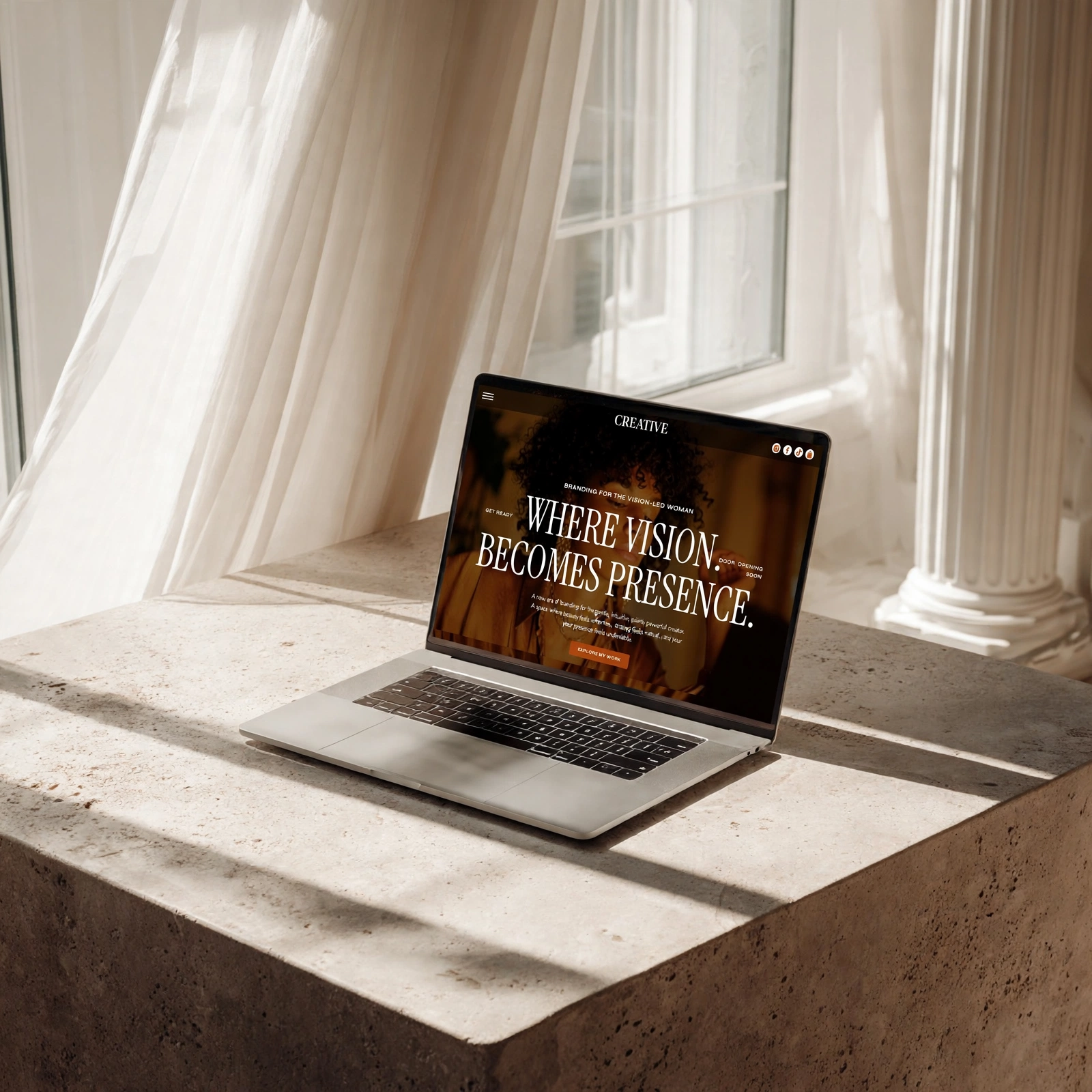
Creative by Lili was built around exactly this checklist: Home, About, Services, Portfolio, Contact, and a high-converting Opt-In, with video tutorials and copy prompts for every section. It is $127 one-time, yours forever, with payment plans available.
How to launch your coaching website in a weekend
Here is the honest timeline. It does not take three months and a developer.
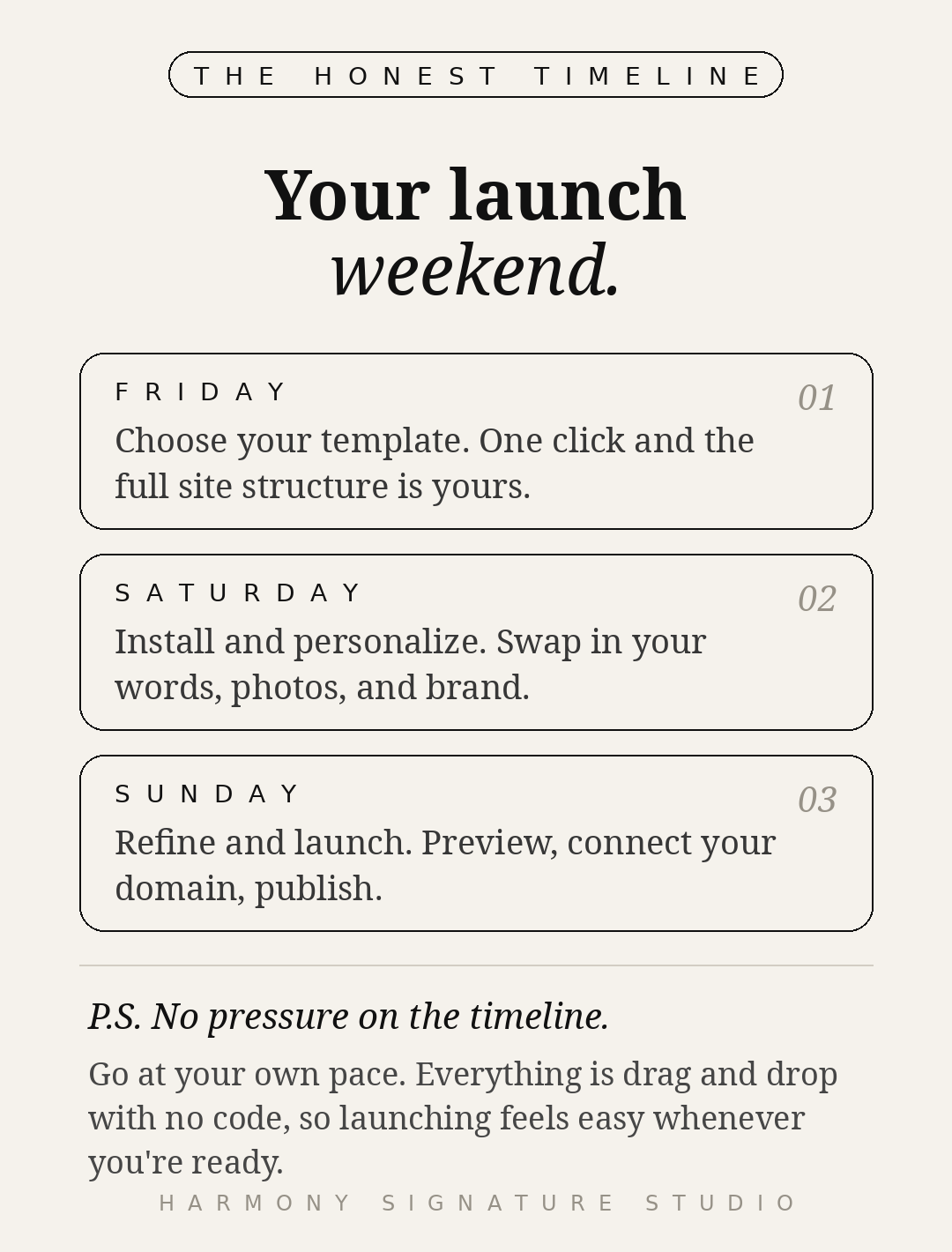
Friday evening: choose your template. Pick the one that feels like your brand’s future home. For coaches, that is Creative by Lili. You receive an instant Showit share key the moment you purchase.
Saturday: install and personalize. Drop the share key into Showit and your full site structure appears in one click. Then swap in your words, your photos, your colors, and your fonts. The copy prompts walk you through every section, so you never start from blank.
Sunday: refine and launch. Preview on desktop and mobile, run through your links and forms, connect your domain, and publish. You need an active Showit subscription to keep your site live, and new users can claim a free month.
Most people personalize and launch in a single weekend. Diane F, a coach, put it simply: “Easy to launch, even as a total Showit beginner.” Celina, a breathwork practitioner, launched in a single week and booked two discovery calls that first week.
The 5 homepage mistakes that cost you clients
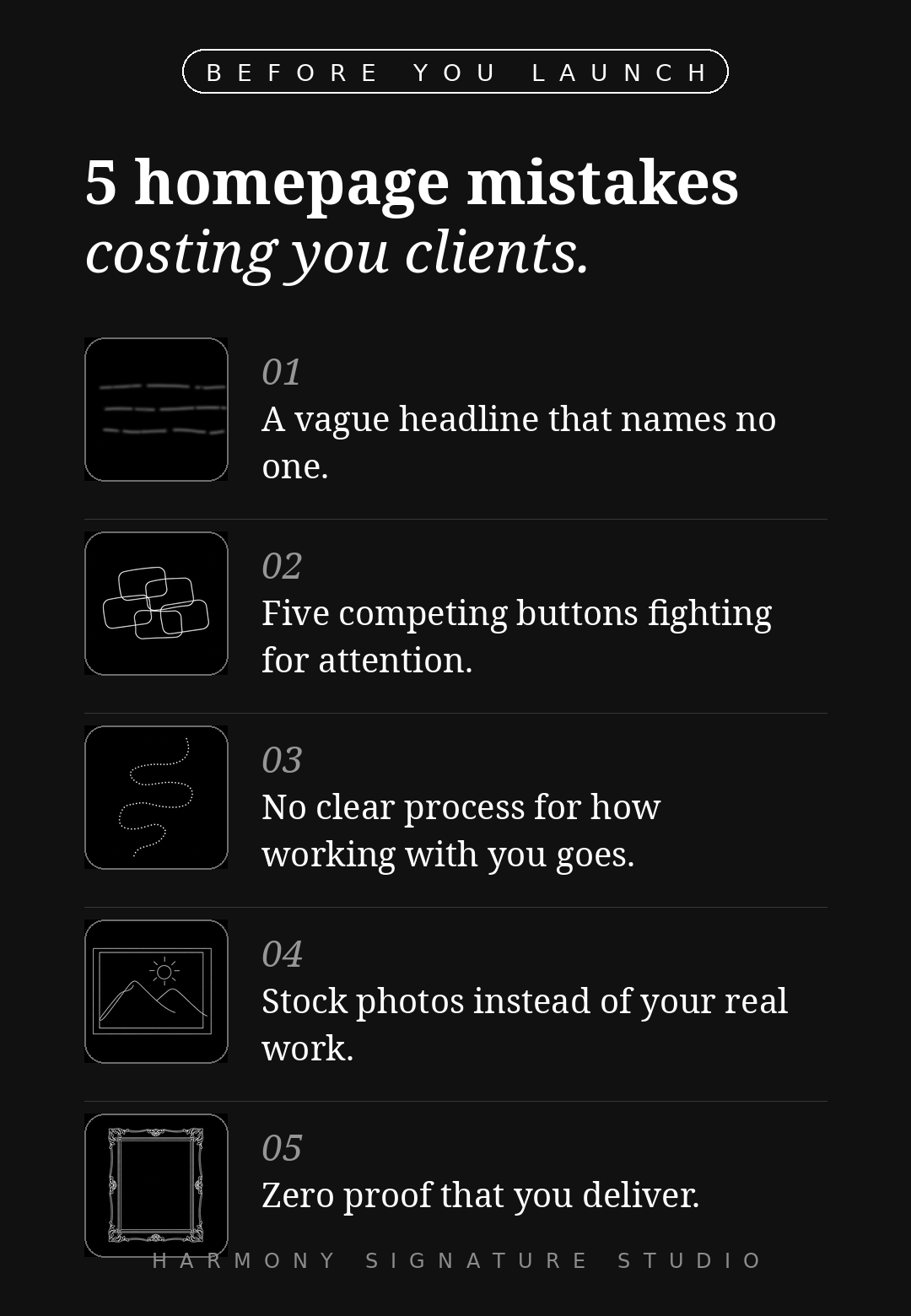
Before you launch, check your homepage against the five mistakes I see on almost every DIY coaching site: a vague headline that names no one, five competing buttons fighting for attention, no clear process for how working with you goes, stock photos instead of your real work, and zero proof that you deliver.
None of them need a redesign to fix. Most need an afternoon. And fixing them is the difference between a site that looks nice and a site that books.
Template or done-for-you?
A template is the fastest path to a professional coaching website. But some visions need a guiding hand. If you want the full journey, brand direction and positioning, messaging strategy, visual identity, art direction, copywriting, and a custom Showit website built for you, I take on a small number of done-for-you clients. You can read about the experience and reach out through the contact page to start the conversation.
Frequently asked questions
A Showit website template is a complete, multi-page website designed inside Showit that you install with a share key and personalize with your own words, images, and brand. You get the full site structure in one click, then customize everything with drag and drop.
No. Showit is a visual builder, so you change words, colors, fonts, and images by clicking. No code to touch, ever. If you can use Canva or PowerPoint, you can use Showit, and every template includes step-by-step video tutorials plus lifetime support.
Most people personalize and launch in a single weekend. You get instant access at purchase, the full site structure appears in one click with the share key, and the copy prompts mean you are never starting from a blank page.
Yes. The templates are built with a clean content hierarchy and fast-loading pages, so they are ready to rank on Google and to be surfaced by AI search tools like ChatGPT and Perplexity. Pairing the template with the WordPress blog gives you real, compounding search visibility as you publish.
Creative by Lili is $127 one-time, yours forever, and you can pay in installments. The only ongoing cost is your Showit subscription, which you need to keep your site published.
Your move
Your coaching deserves a website that works as hard as you do. Browse the shop to see the full collection, or start with Creative by Lili, the $127 template built for coaches who are ready to look like the level of work they actually do.


about me
Harmony and Flow
It started with an idea raw, messy, magnetic.
A vision too loud to ignore.
Equal parts strategy and soul.
I'm Lili a designer, dreamer, and digital architect for modern founders ready to make moves and be seen.
For over a decade, I’ve helped heart-led creatives and bold entrepreneurs build brands and websites that actually work grounded in intention, elevated in design, and built to convert.
You won’t find cookie-cutter here. Just sharp strategy, editorial edge, and visuals that mirror the caliber of your vision.
Here for the aligned, the audacious, and the ones who are done playing small.


speak to LiLI
From idea to brand, positioning, and a website that feels uniquely yours.
Templates are the starting point. Some visions need a guiding hand.
I take on a small number of clients for the full journey: brand direction and
positioning, messaging strategy, visual identity, art direction for your photos,
copywriting, and a custom Showit website built for you. From zero to a complete,
client-ready business.
Real strategy. Real people. One point of contact


